
MEMORY KEEPING 101: CREATE PROJECTS LIKE MAGIC
How to Get There QUICK
If you are one of my FOREVER clients, then just log into the FOREVER website or get on the app. Both avenues will allow you to do AutoPrint projects.
If you haven’t become a customer yet, it’s free and easy to sign up. You’ll also get a $20 Welcome coupon just for confirming your email address, so don’t forget that part. You do not need to have storage to create these AutoPrint projects. From the main page, hover over “Create & Print” and select “Autobooks from the left side.
For current customers, on FOREVER’s website >go to the Library > select your photos, >select Print in the upper right hand corner. Then follow your nose. I selected 4 photos, chose Coaster Set and in milliseconds I had a set of four gorgeous coasters. All I needed to do was hit the “Add to Cart” button. It’s that easy!
Breaking It Down a Little More
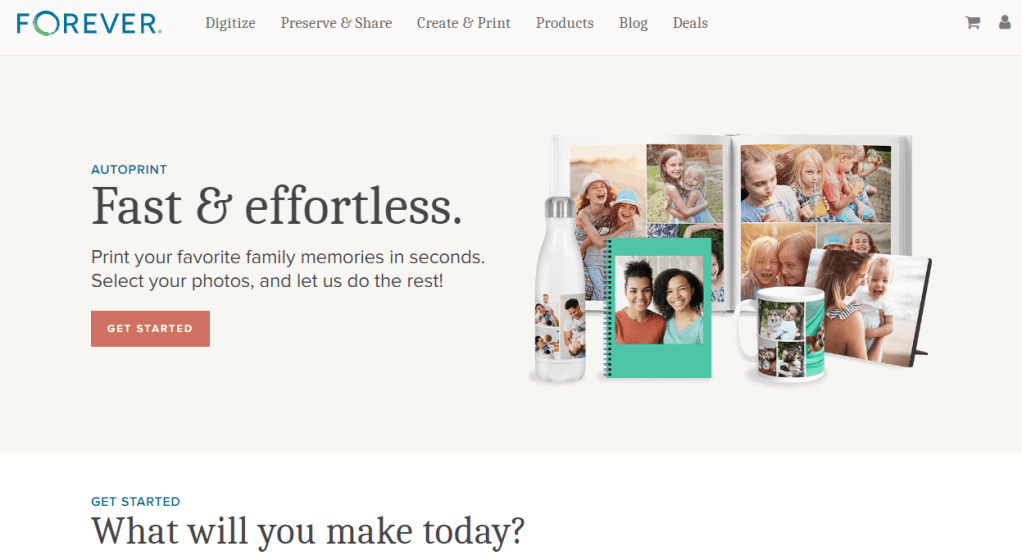
If that’s moving a little too fast for you, let’s take it a little slower. With AutoPrint, you have a wide variety of quick gifts to create:
- AutoBooks
- Sizes 8X8 -12X12
- Softbound & Hardbound
- Standard & Layflat
- Photo Gifts
- Coaster Sets
- Tabletop Panels
- Notebooks
- Magnets
- Drinkware
- Water Bottles
- Photo Mugs
- Photo Prints
- Glossy & Lustre
- Sizes 4X6 – 11X14
Your first job is to select the images you want to use. While these selections can be chosen on the fly from your FOREVER Library or in a folder on your device, if you have storage, it’s easy to make an online album and collect the photos you want there. Start with the photo you want for the front and then add the rest in the order you want them to show up. A little preparation makes the actual ordering go even faster.
When you are on the website, hover over Create & Print and select “AUTOPRINT” from the drop down menu. Then select one of the four categories above. For this exercise, we’re going to make a standard 8X8 softbound AutoBook.
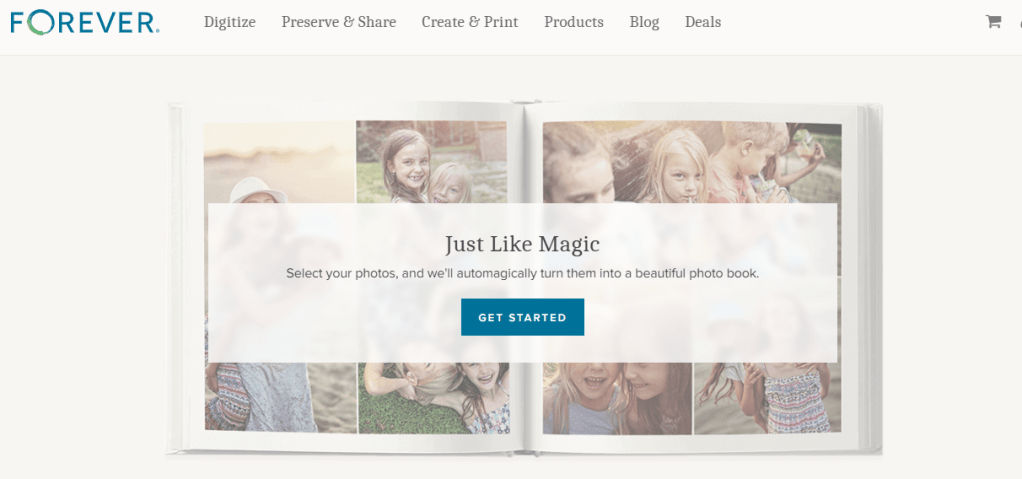
I selected AutoBooks and on the next page, I chose Standard. The screen moved up so I could choose an 8X8 Softbound. And here’s the Get Started Page.
When I clicked “Get Started” it gave me this screen. From here I can go to my Library, my Albums, my Tags or as you can see there is an “UPLOAD” button in the upper right hand corner.
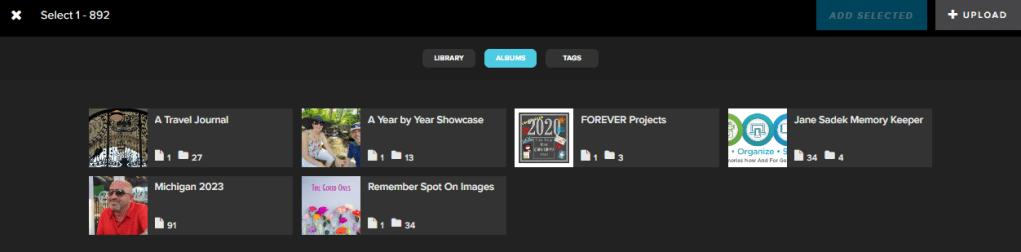
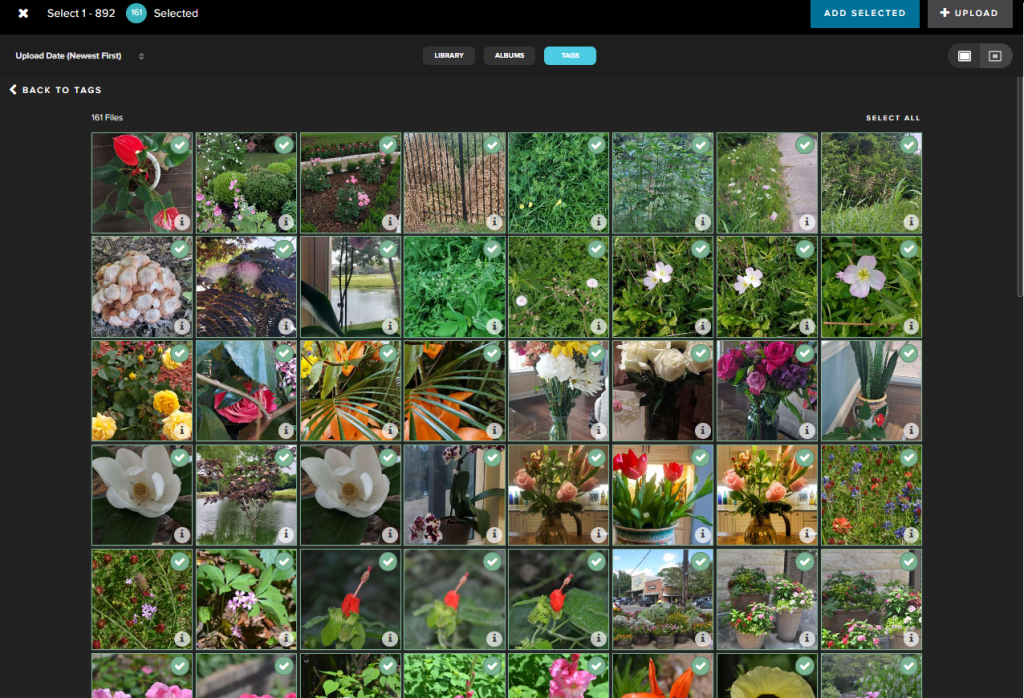
For this project, I chose tags and selected the “Floral” Folder. This folder has 161 photos in it, but I can have up to 892 images in my 99 page book. (Artisan 6 users can have up to 199 pages!!) I used the “Select All” button to get all 161 photos and then hit the “ADD SELECTED” Button.
Before one second could pass, my book was created. I could literally hit the “Add to Cart” button and print out my album.
But wait, at this point, I have options. I can add “Photo Pages” or “Text Pages.” Or I can “Edit Pages.”
Let’s do some Editing! I added a title to the front of the book and the spine. I changed the layouts on some pages which had textboxes, because I just wanted photos. There are text boxes at the top and bottom of each page, but I left them blank, so they won’t print. I chose a pattern for all the pages and then a solid color for the cover.
It’s taken me longer to explain what I did than it did to do it.
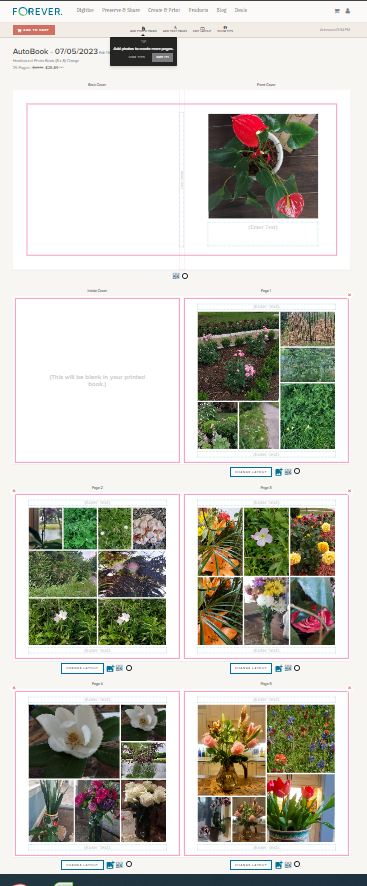
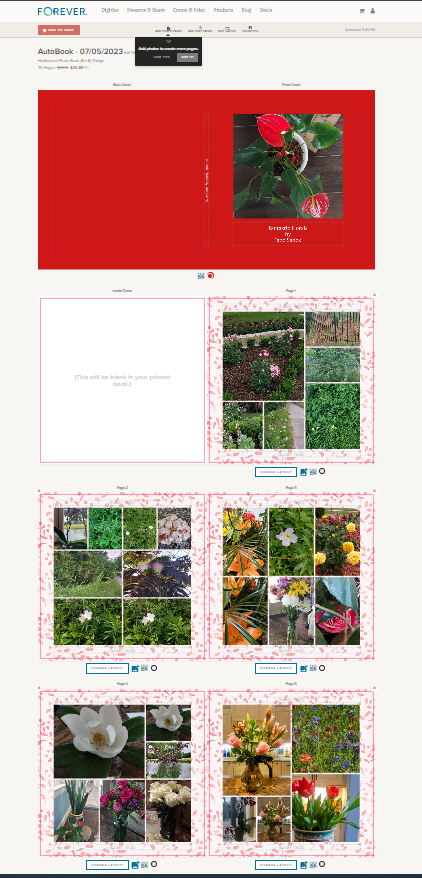
And there we go. I hit “Add to Cart” and it was ready to order. FOREVER also added it to my project page, so I took it out of my cart and if I ever did want to order it, it would be there. I added the project to an album I have created for my completed projects, so I can share it with you: https://www.forever.com/app/users/jane-sadek–1/containers/4b1391db-884a-4733-86ec-8da5fc1637c5/8ogwkito47c7x05hru9sugzs6
Were I actually to print this photobook there is some cleaning up to do. I decided to do this particular tag folder very spontaneously and there are some duplicates. I might reorder the photos, too, but I wanted to show you just how easy it can be.
There are some changes in the works for AutoPrint, to streamline it further into Create & Print world, but FOREVER is devoted to offering the quick, easy and clean looking option, so while the navigation might change a little, the look and the ease of AutoPrint is not going anywhere.
I have to tell you, the retail price of the album was $27.15. My FOREVER Club Membership knocked it down 5% and a promo on that day knocked it down another 40%. I could have printed the photobook for $15.48 (plus tax and shipping). Who said Memory Keeping is expensive? And if you’ve been using another online vendor, because you thought they were cheaper, maybe this will give you pause.
In later posts, I’ll cover Design & Print and the Artisan 6 program, but next week we’re going to talk about how to $20 on your first order.
 jane sadek