
MEMORY KEEPING: START YOUR RELATIONSHIP WITH ARTISAN 6
Not Exactly Point & Click
Have you ever used Canva or another program like it? Yes, they’re great and it’s easy, but at some point, it’s just not going to allow you to do what your imagination can dream up.
How about Photo Shop or Lightroom? They’re amazing, but a lot of overkill and not designed for scrapbooking.
I’ve used all these and I don’t love any of them the way I do Artisan 6, the scrapbooking software from FOREVER, but the relationship was rocky at the beginning. When it comes to digital stuff, I rarely read the instructions. I just start clicking and somehow things work out. When I bought Artisan 6 and downloaded it to my computer, I couldn’t even figure out where to point and click!
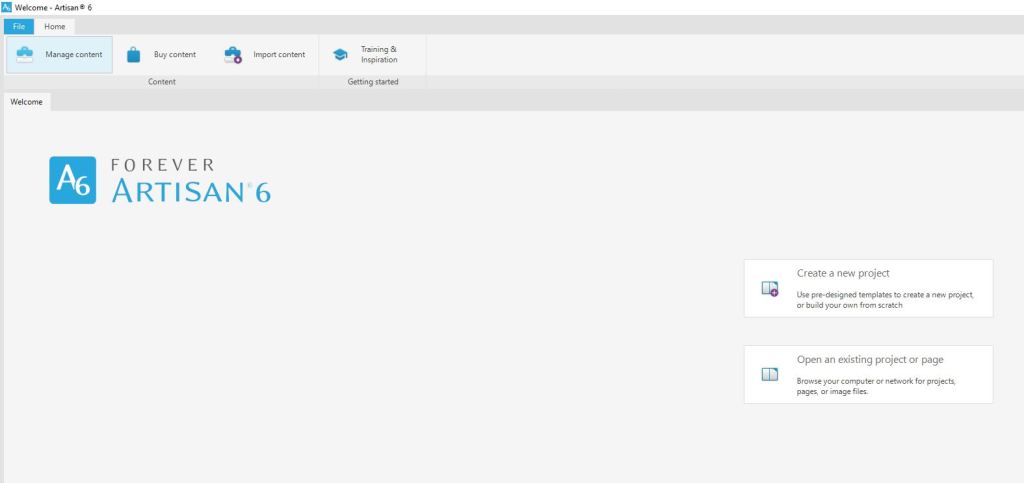
So, I followed some breadcrumbs to download the Getting Started Guide. I have to tell you honestly, it wasn’t the greatest documentation in the world and honestly, IMHO it’s still not. All of the videos were made for Artisan 5 and even though they promised everything was in the same place, “the fresh new look” for Artisan 6 threw me for a loop. But I kept on trying. Then I hit Lesson 2: Create a new project using the FOREVER Design Maps Template Book.
I tried. I really tried. Tameka, the head Pixie and the voice on the training videos, kept telling me to trust the process and just do what she said, but I ran into a brick wall. She talked about using templates like it was something everyone in the world had a familiarity with, but I was lost!
After a very emotional confrontation with the Getting Started Manual, I was crying and the manual was bouncing off my wall. This doesn’t sound like much of a recommendation, but I hope you can appreciate that in spite of this, I now love Artisan 6. Your brain may work completely differently or you might already be a template queen, so you might breeze right through all this. The point is this, even if you don’t, don’t give up!
I skipped to Lesson 8: Starting with a Blank Page and after a few false starts was creating pages, which in a day or two became a photo book.
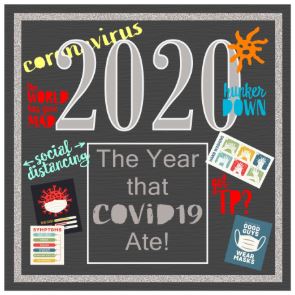
I’d be lying if I pretended it was happily ever after for Artisan 6 and me. I also doubt that I would have ever gotten a handle on it without pixels 2 Pages and the annual Online Party. I’d also be lying if I tried to pretend I was some sort of Artisan 6 guru, but then again who is? Every time I sit in on a training, one of the Pixies says, “I didn’t know it could do that!! With Artisan I’m always learning and to be honest, that’s part of the fun.
So, Why Do I Love Artisan & pixels 2 Pages
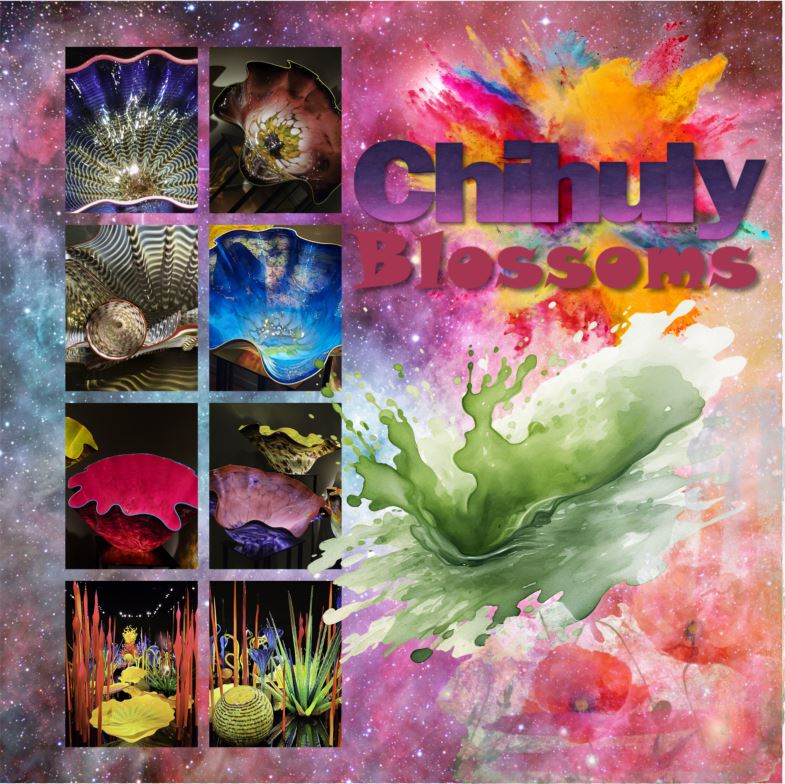
Reason #1: You can do things with Artisan you could never dream of with paper and tools. The layering, the frames and masks, the cut & color tools – if you can dream it you can do it!
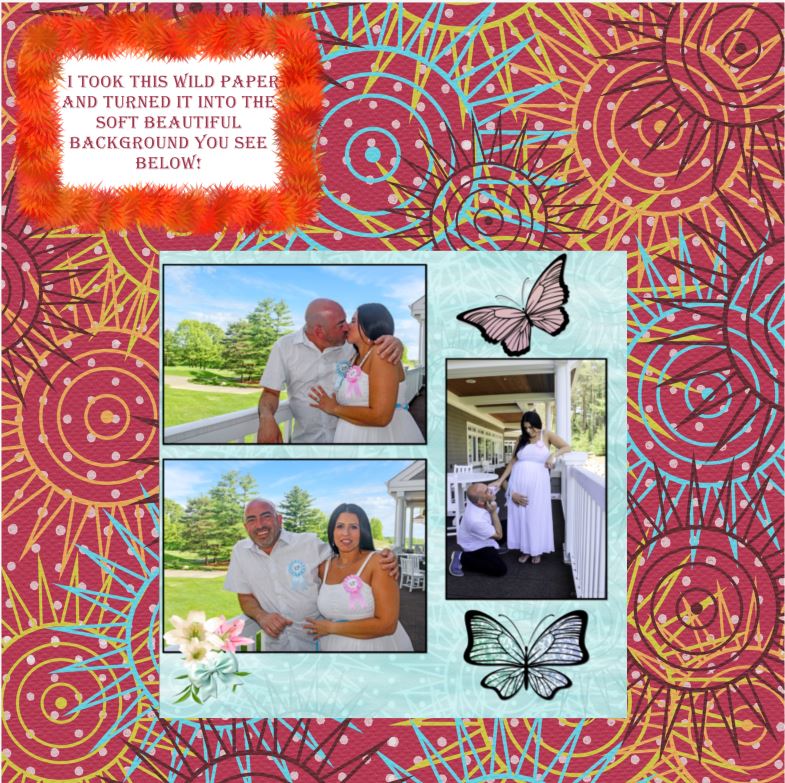
Reason #2: Digital is forever. You never run out of embellishments or paper. When you buy Artisan 6 you get so much free art you can make pretty much anything and when you use an item, it’s still there to use again. In fact, you could use it on the very next page and no one would even know it, because there are so many ways to change it up! See, the wild maroon and soft blue paper are the same thing with edits.
I remember the day I used up my last sheet of polka dot paper from Creative Memories and when I used the last of a floral embellishment kit I adored. I was bereft. I still run onto scraps of favorite CM papers no longer printed. You never run out with digital.
What’s more, you can’t ruin a digital photo. Crop it too close, cut it by mistake, whatever! As long as you have it digitally you can put it back on the page and give it another try. You can use it in more than one album without having to reprint. Heck you can even print multiple albums from just one creation.
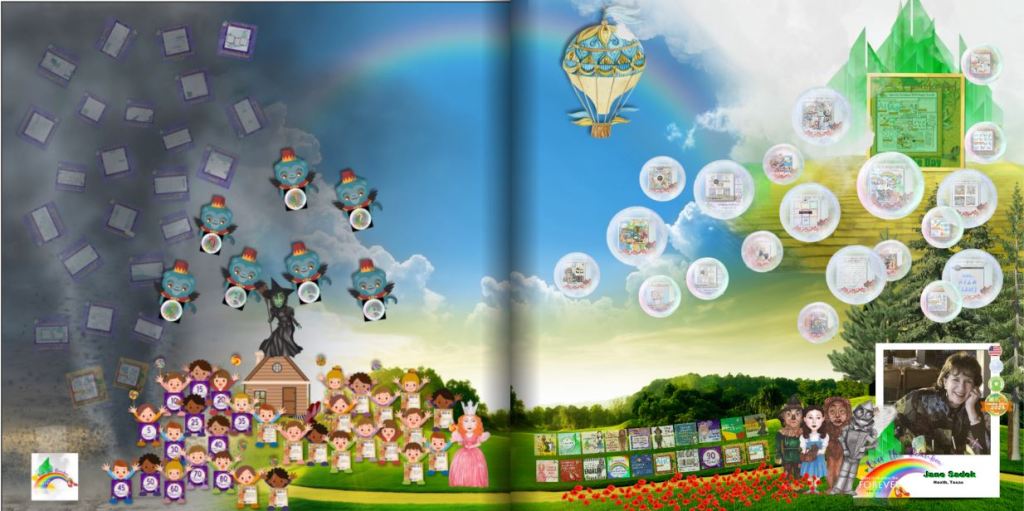
Reason #3: I love the feeling of accomplishment I get from winning things, sharing things, learning things, getting bargains and downloading free stuff. The image above is my badge page from Over the Rainbow. Each item on the page represents a badge I earned for something. Once you’ve gotten a certain number of badges you earn a free blueprint and those are my favorite blueprints. Online crops bring a great way to learn more and the pixels 2 Pages gives you someone to celebrate with.
Reason #4: Blueprints are flexible templates! I explained that the Create & Print Templates have limitations, but the limitations disappear completely when you move into the world of Artisan and p2P. The Blueprints are merely places to start! You can move the title, delete it, reduce it, enlarge it, change the font and so forth and so on. You can add photo drop points, remove photo drop points, enlarge them, reduce them and the same with the rest of the features on the page. Each Blueprint has limitless possibilities and when you belong to p2P, you get new Blueprints every month as part of your membership.
Reason #5: The Productivity Challenge! Sometimes I need a little incentive to participate. It doesn’t have to be anything big. I can get excited about badges and I love sharing my pages. The Productivity Challenge gives me both. As I complete a page to go along with all the Blueprint offerings in a month, I add them to a badge page and I show them off with appropriate hashtags. At the end of the quarter I post my badge page and get a prize. It could be a Blueprint or perhaps some digital art. At the end of the year, I qualify for a bigger prize. But at the end of the year, if I complete it all, I will have created 108 pages. That’s a lot!
There’s more to love, but I’ll stop there. If you have questions, let’s talk. Otherwise, your subscription to Artisan is waiting. You can get started NOW!


 jane sadek